Home
Blog

How to Remove a Participant from Your Dashboard in Under a Minute

by
Ebs Dalton
|
July 30, 2026

How to Remove a Participant from Your Dashboard in Under a Minute

If you manage multiple NDIS plans, chances are your Provider Choice dashboard has grown over time. Participants transition, plans end, life changes direction.

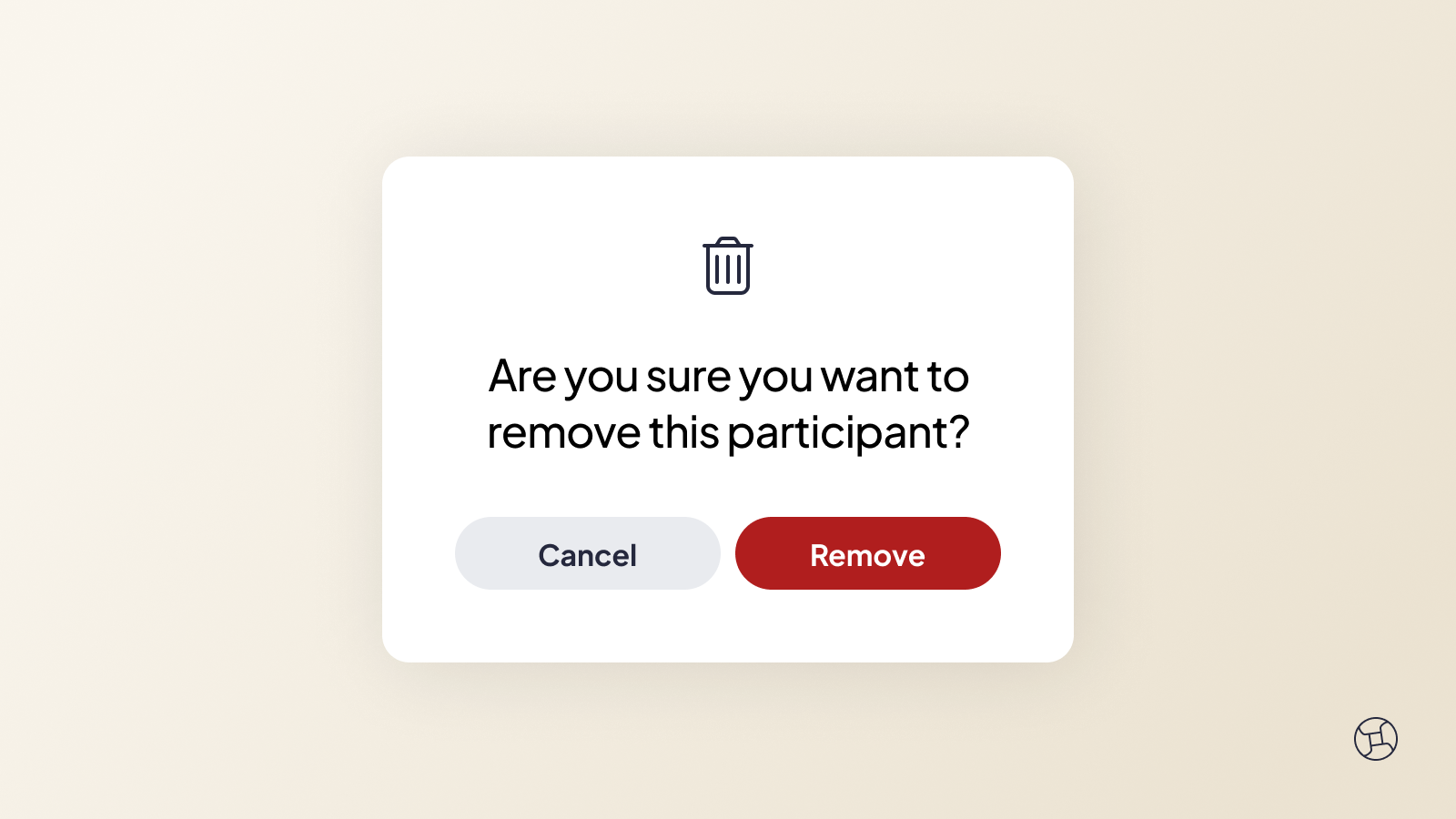
Keeping your dashboard tidy makes it faster to find what you need and it takes less than one minute.

How It Works

That's it. No form, no waiting on us.

Removing a participant tidies your view, it doesn't delete anything. Their records and claim history stay safe and if things change down the track, they can be added back to your dashboard anytime.

Your dashboard shows only the plans you're actively managing.

Want a Walkthrough?

If you'd prefer to see this in action or have questions about managing your dashboard, our Guru team is here for it. Book a free Guru session and we'll walk you through it.

References: 
NDIS | Dashboard

url
Posted on
July 30, 2026
If you find our articles helpful, subscribe to our newsletter to receive updates.

Related articles

NDIS Registration & How It Can Benefit Your Business

New NDIS rules mean some providers must register before October 2026. Here's how to work out if that's you and what to do next.

We Don't Live Our Life in Fear

Nicola never expected to become an expert in brain injury and NDIS navigation, but life had other plans. She shares her family's story and how it led her to Provider Choice.

Straight from the Source: Support Coordinator Roadshow Recap

Our June roadshow brought Support Coordinators and Providers together in Sydney, Melbourne and Perth to unpack the May budget and get a first look at what's next for Provider Choice.

Features
Plan Management