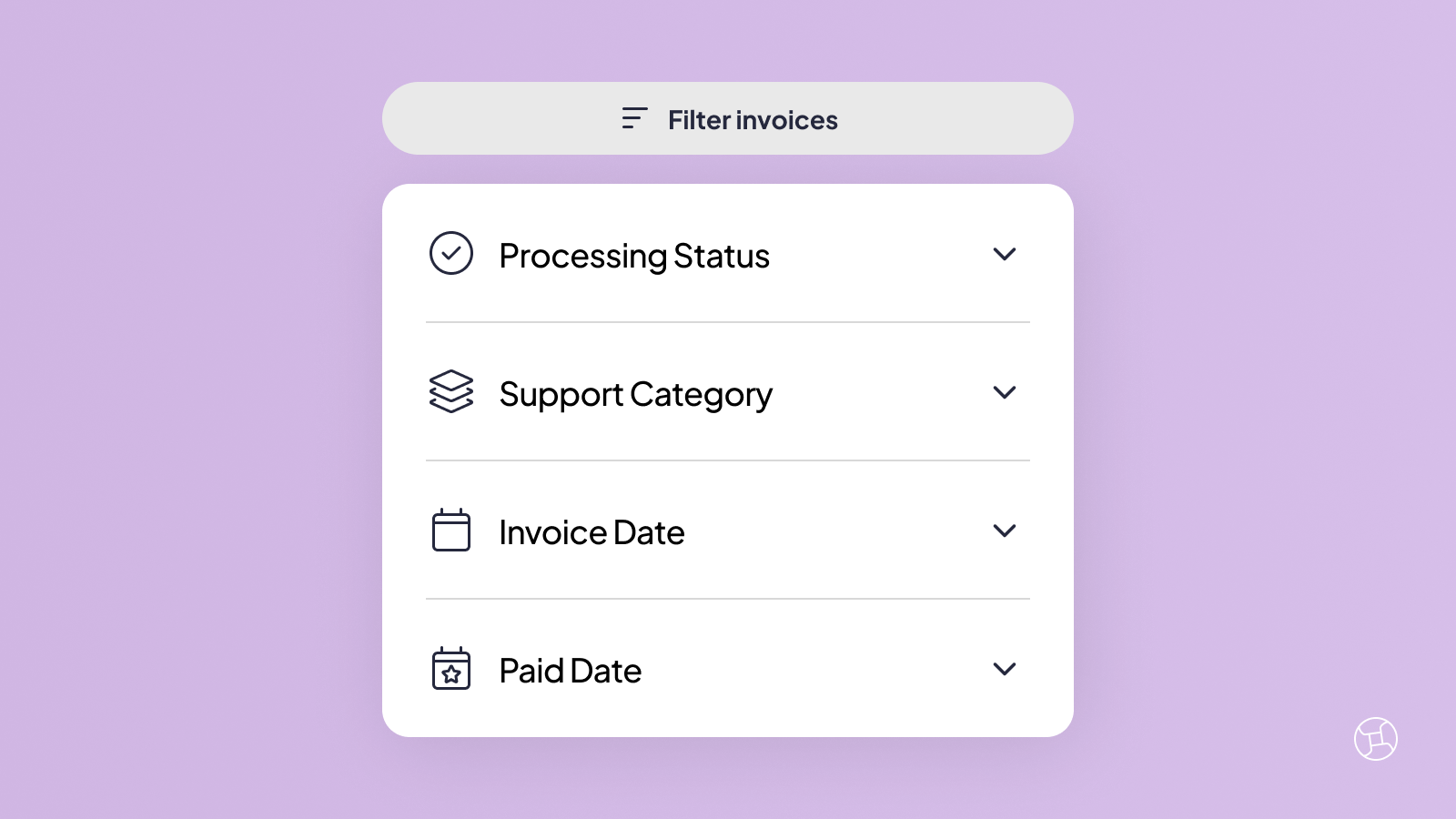
Something not adding up with an invoice? Maybe a provider says they've been paid but you're not so sure. Maybe you're trying to get your claims in order and the list feels overwhelming.
Either way, the filters in your Provider Choice Portal can help you get answers quickly. Here's how to find exactly what you're looking for in a few clicks.
How to Filter Invoices
It only takes a few minutes in the portal.
- Log in to your Provider Choice Portal and head to the Invoices tab.
- Click Filters and enter the details that you’d like to filter by.
- Click Apply Filters and review the information.
Filters Explained
We've included plenty of filters to help you get the answers you need.
Processing Status
Worried about an unpaid invoice?
This filter shows you the processing status of any invoice so you can follow the progress of payment.
Support Category
Are you overspending?
See which providers have claimed against a particular funding type. This filter hones in on all invoices from a particular type of funding. It's the best way to see which supports might be contributing to an overspend.
Invoice Date
Want to check invoices from when you were away on holidays?
If you’re not sure of the invoice number but you remember roughly when you were invoiced, this filter is a lifesaver for narrowing down invoices from a particular period of time.
Paid Date
Want to know what day a provider was paid?
If you want to see which invoices were paid before the end of the financial year, this filter lets you search by a date range so you can find exactly what you're looking for.
Exporting an Invoice Summary
If you prefer to review invoices in a spreadsheet that you can filter and customise, we offer that option too. Simply click Export to download your invoice summary.
Keep in mind that the export will only include the invoices you've filtered for. If you'd like a full list of invoices for the current plan, click Clear Filters before you export.
If you've never used filters before, now's a great time to give them a try. Log into the Provider Choice Portal, head to the Invoices tab and see what comes up.
Most concerns are easier to resolve than they first seem. Once you have the right information, things tend to click into place quickly.
Still unsure about something after filtering? Our Guru team is ready to help.
References:
Provider Choice Portal